The booking archive compiles billing-relevant timestamps and services for a specific period into a read-only archive. This means that if you change prices in your company at the turn of the year, you can lock in the prices from the previous year's timestamps. In the evaluation, you can then access the archived times using the appropriate filters and evaluate them.
The booking archive can be found in the menu item "Window" -> Booking Archive.

To create a new booking archive, click on the green plus sign in the dialog box.

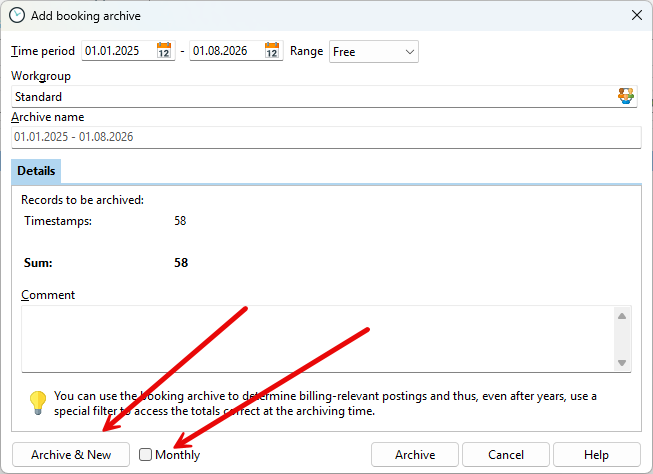
Enter a period for the timestamps to be archived and an archive name, then click on "Archive."
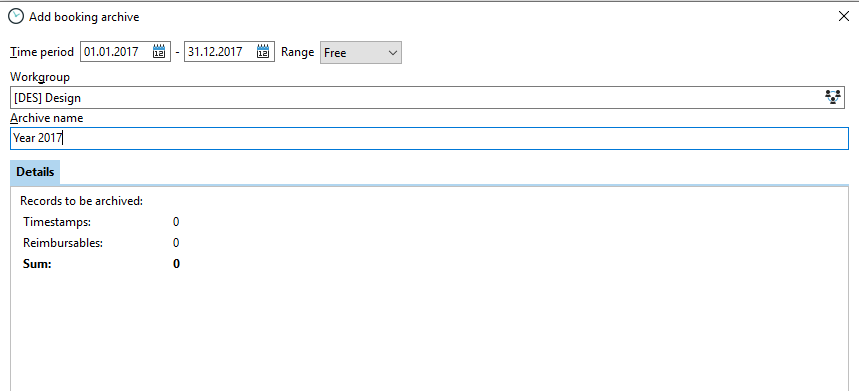
You will then receive feedback on how many timestamps and services have been archived for the period.
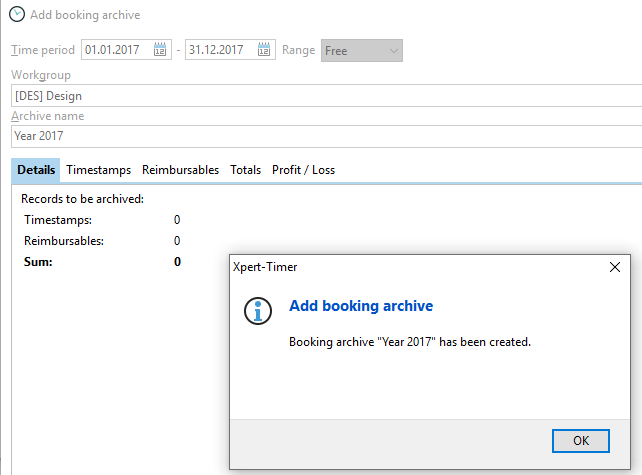
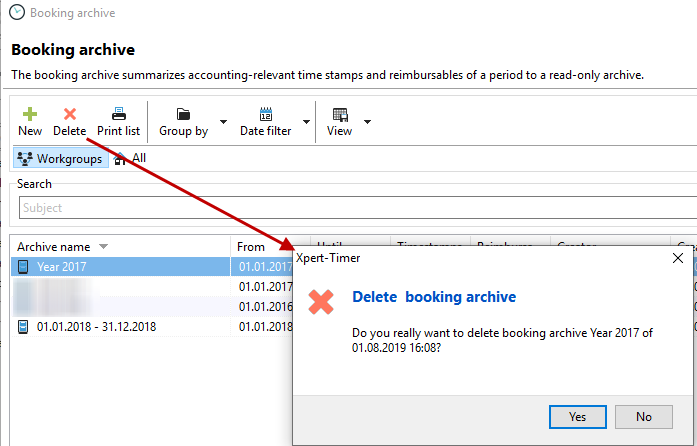
If you have accidentally selected the wrong time period in your booking archive, delete the entire archive again. This will also reset all entries to their original state. After deleting, you can recreate the booking archive.
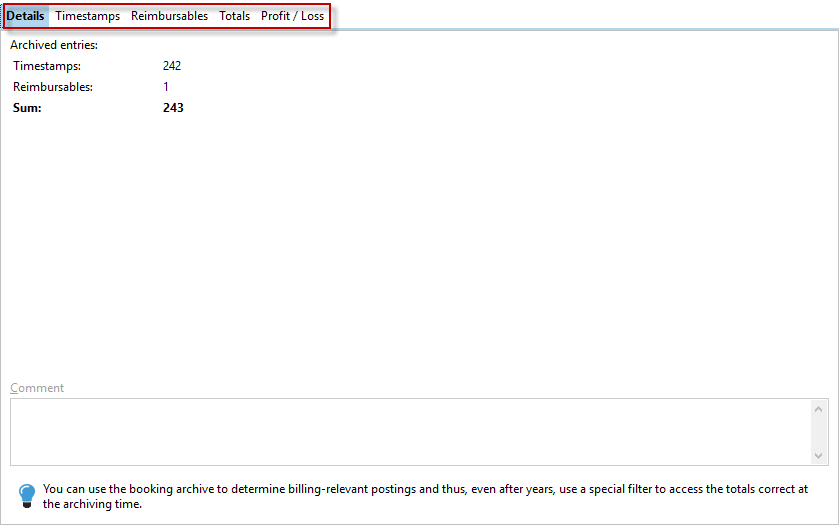
Double-click on the newly created booking archive to see that the tabs "Individual times," "Services," "Totals," and "Profit/Loss" are also active. This allows you to view the recorded timestamps.
If you want to archive on a monthly basis, enter a longer period and check the "Monthly" box. This will create individual posting archives. The "Archive & New" function also simplifies data entry if you want to create individual posting archives.
Posting archive in the evaluation
In the evaluation dialog, you will find a filter for the booking archive. There you can select which timestamps you want to see in the evaluation.
Here you can check, for example, whether all timestamps for a specific period have been recorded.
You can also select a specific posting archive that you have created for evaluation.

The prices from the booking archive are also displayed in the timestamp list. If a price is calculated from the archive, you will see this in the display (BA) for the booking archive in the "Price/unit" column in the timestamp list.
