In the configuration, under the "Tasks" tab, you can specify whether you want to be informed about your open, due tasks when you first start Xpert-Timer.

If you have activated this option, the following dialog box will open when you start Xpert-Timer:
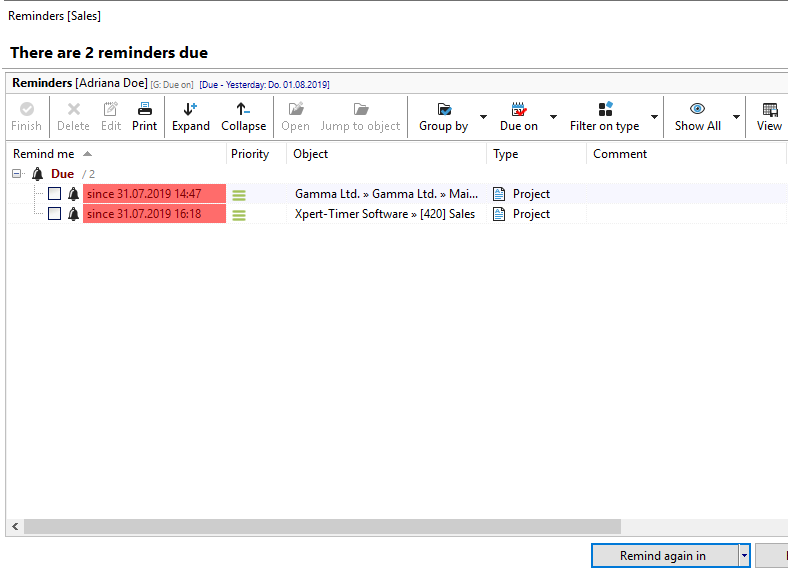
In this dialog box, you can directly edit tasks, start them, or mark them as completed. This allows you to always keep track of tasks that still need to be done.