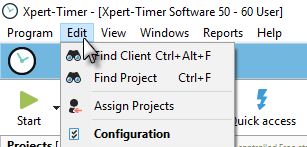
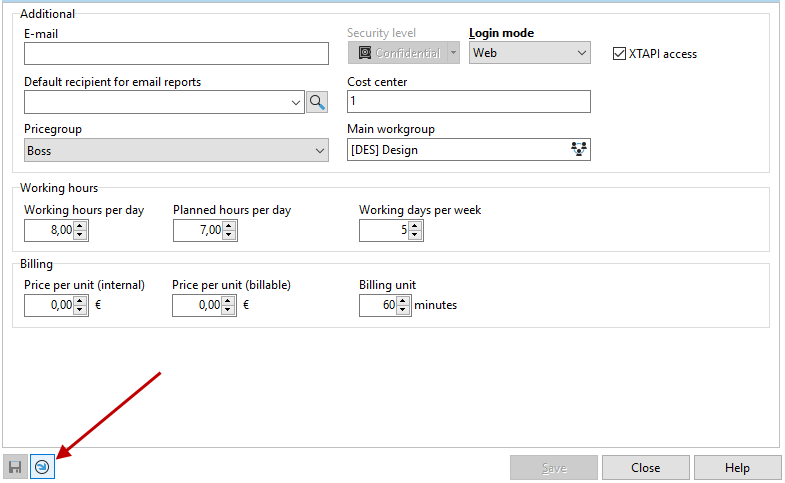
managementIn the project manager, under the "Edit" menu item, select "User settings."
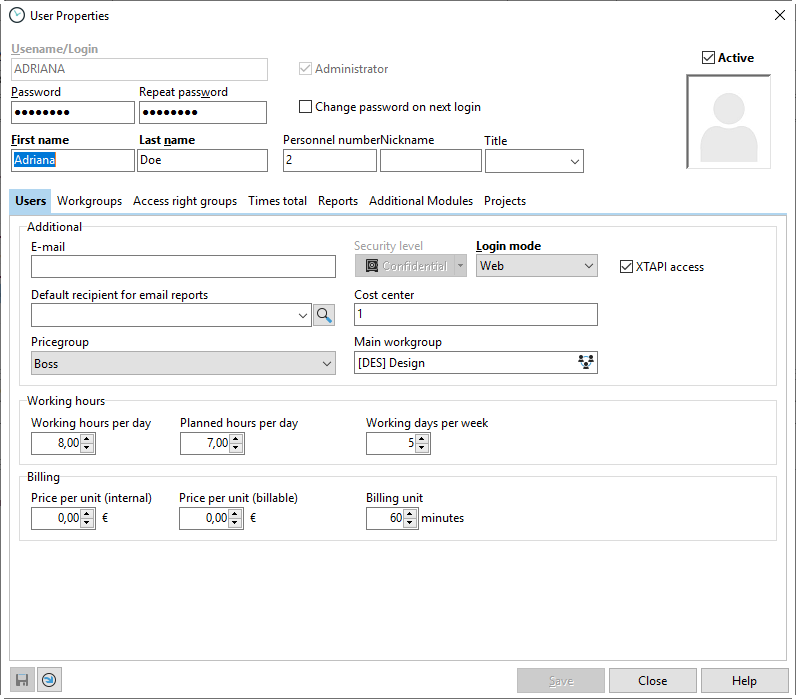
Working hours
To calculate the duration of a project, it is recommended that you specify the daily working hours and the actual time available for the project per working day. If the estimated duration is specified in a new project, the application uses this data to calculate the planned completion date of the project.
Billing
The price per unit (internal) is used for internal calculation of the costs incurred. The price per unit (external) is used to bill the costs. In the respective project properties, you can choose whether you want to use these costs as the basis for calculating the project price or whether each individual project has its own billing rate. You can then display the calculated prices in the timestamp list in the project manager. Each individual timestamp is calculated accordingly.
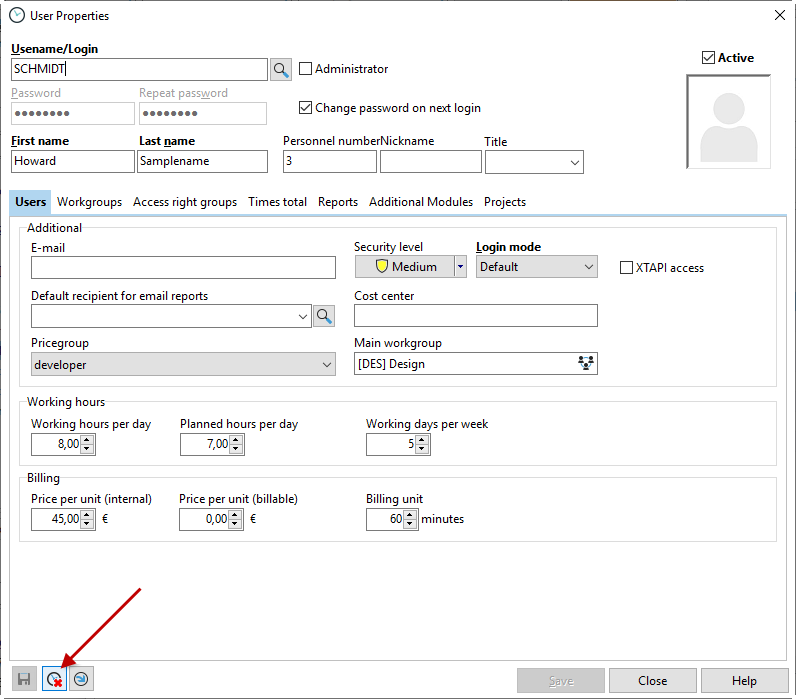
You will need the "Delete current timestamp" button if a timestamp ever gets "stuck" in the system. This means that you can no longer start a project and the timeline shows an unusually high total time. Click on the button to delete the last timestamp. Your Xpert Timer should now work as usual again.
Reset the custom settings if you are missing dialogs or the timeline is no longer displayed. You can also use this to re-display dialogs that you have hidden with "Don't show this dialog again."
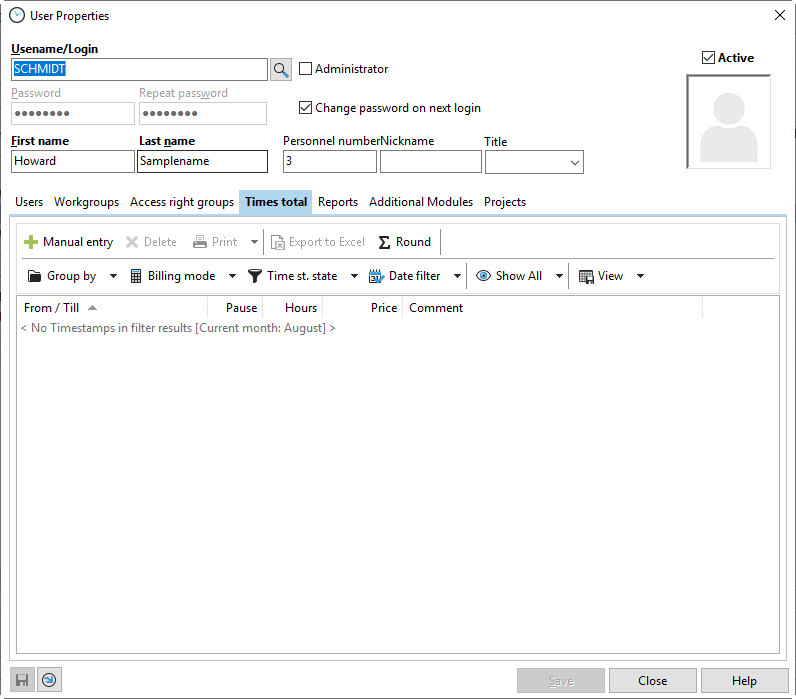
The Recorded Times tab gives you an overview of how many hours you have clocked in per month. You can filter and group the data in the same way as in the time stamp list.